Vive's SteamVR Dongle Power Usage and USB 2.0 Peeper
Finding out the power draw of Vive's SteamVR Watchman dongles plus creating the USB 2.0 Peeper in the meantime.
- reading time
- 3 minutes
- published
- authors
- Eryk Darnowski
- categories
- Electronics
- tags
- #Vive #Vive-Trackers #Steamvr #Virtual-Reality
The Backstory
One day after building my new PC and connecting up my VR & FBT setup to it before moving over my 5x USB A 3.1 PCIe 1X card I though to myself, “my new motherboard has a boatload of really fast USB C connectors”.
So, I found this passive ANKER A8309G11 1x USB C to 4x USB A 3.2 hub that I figured
would work pretty well as it definitely has enough speed overhead (Vive’s Watchman dongles
only use USB 2.0 speeds ~12mbps) and has a nice and small form factor.
However, there was one issue. The hub has a power limit of 900mA and I had no idea
how much power the dongles draw. I’m aware this sounds pretty silly, but I use an
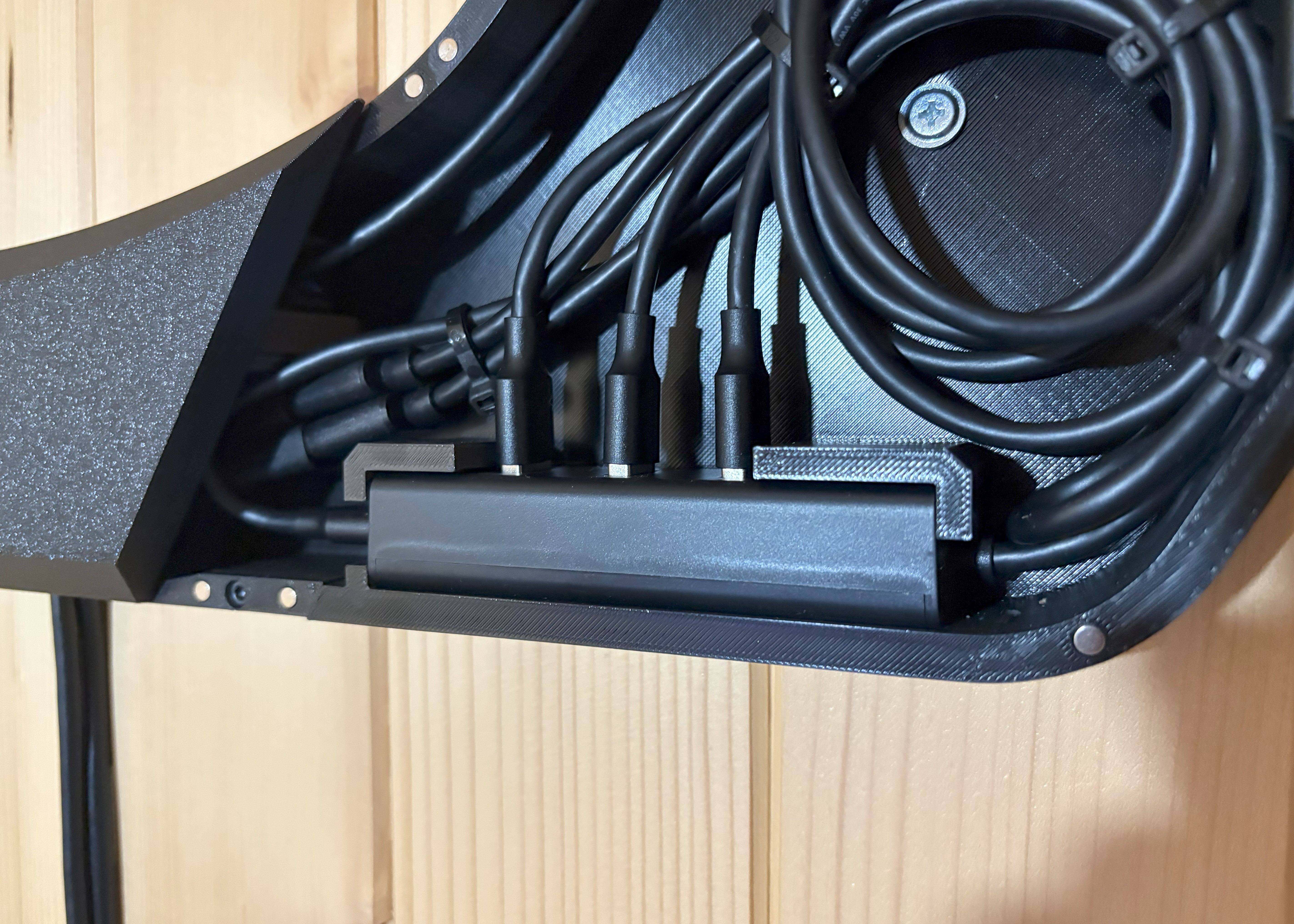
11 point tracking system (I also utilize the dongles for my Valve Index Knuckles as I
don’t use an Index headset). This is all wired up with 3x mid sized extension cables,
3x USB A HUBs (model stated later on) and shorter extensions to the dongles (all of that
can add up):
I ventured on to the internet to check the Watchman dongle power draw and found… nothing. “Weird” I figured and checked out the official spec documents from Vive - again nothing. I looked around some more and really found nothing. By now I was too far gone and decided I just had to find this out myself.
USB 2.0 Peeper
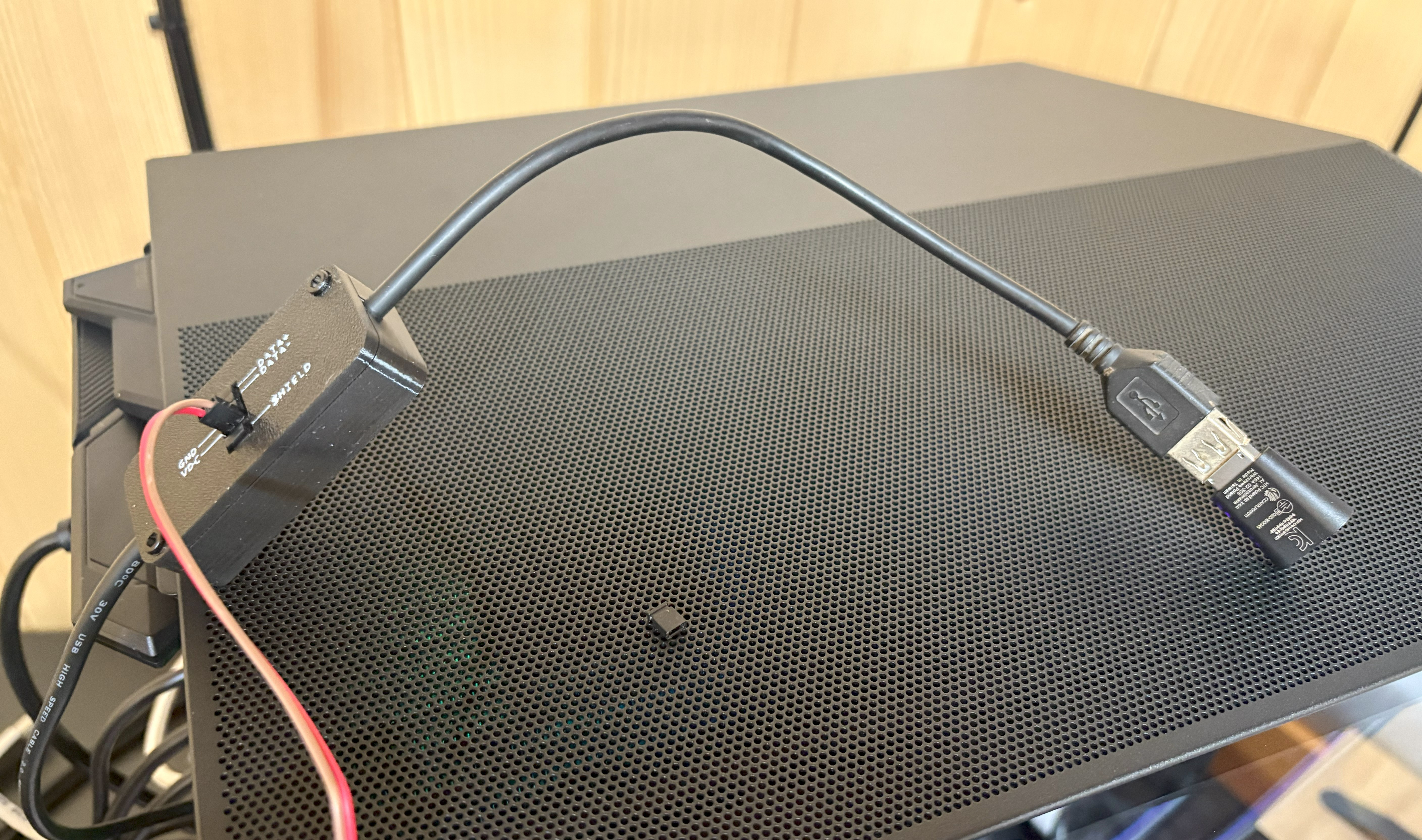
So I though up a little tool named the USB 2.0 Peeper. It’s basically meant to be a simple breakout and give easy access to all connections of a USB 2.0 cable so you can measure power or snoop data for analysis as if you were splicing the cable.
Electronics
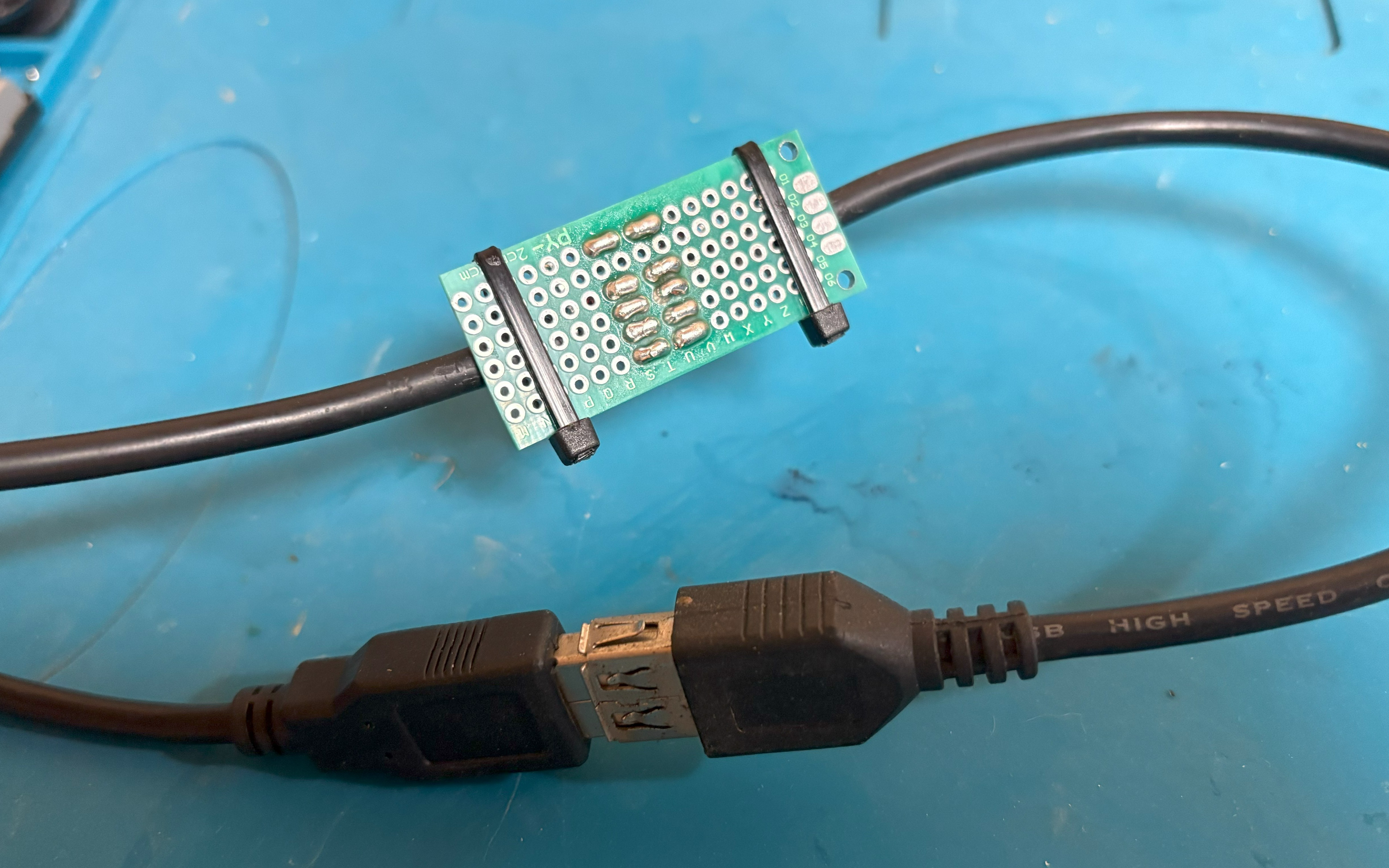
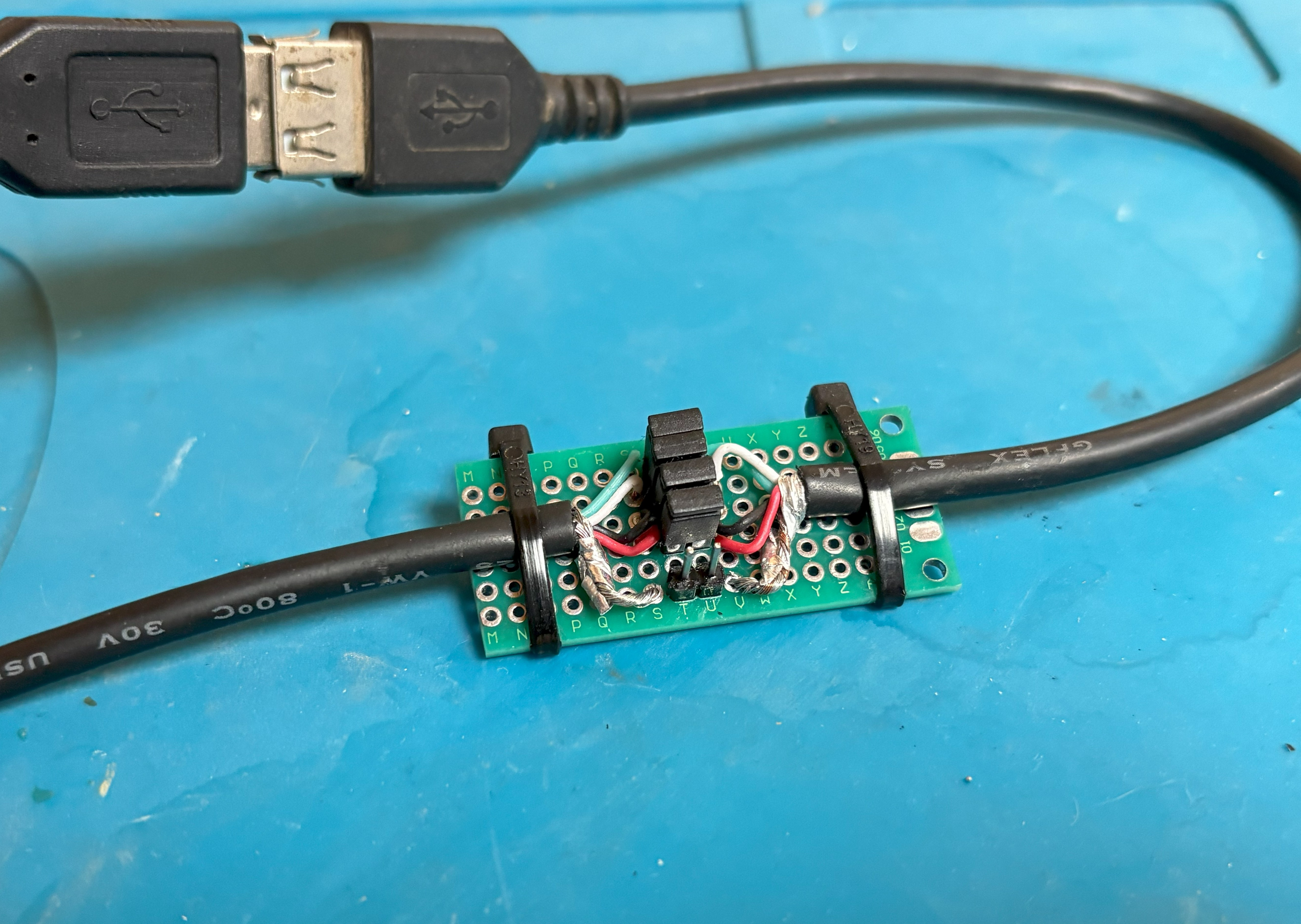
The electronics side is extremely simple, I just got a hold of a USB 2.0 extension cable, cut it in half, soldered all cables of both pieces to an empty prototyping PCB, then soldered 5x pairs of pins so that they can be easily joined by jumper caps or probed via jumpers:
Case
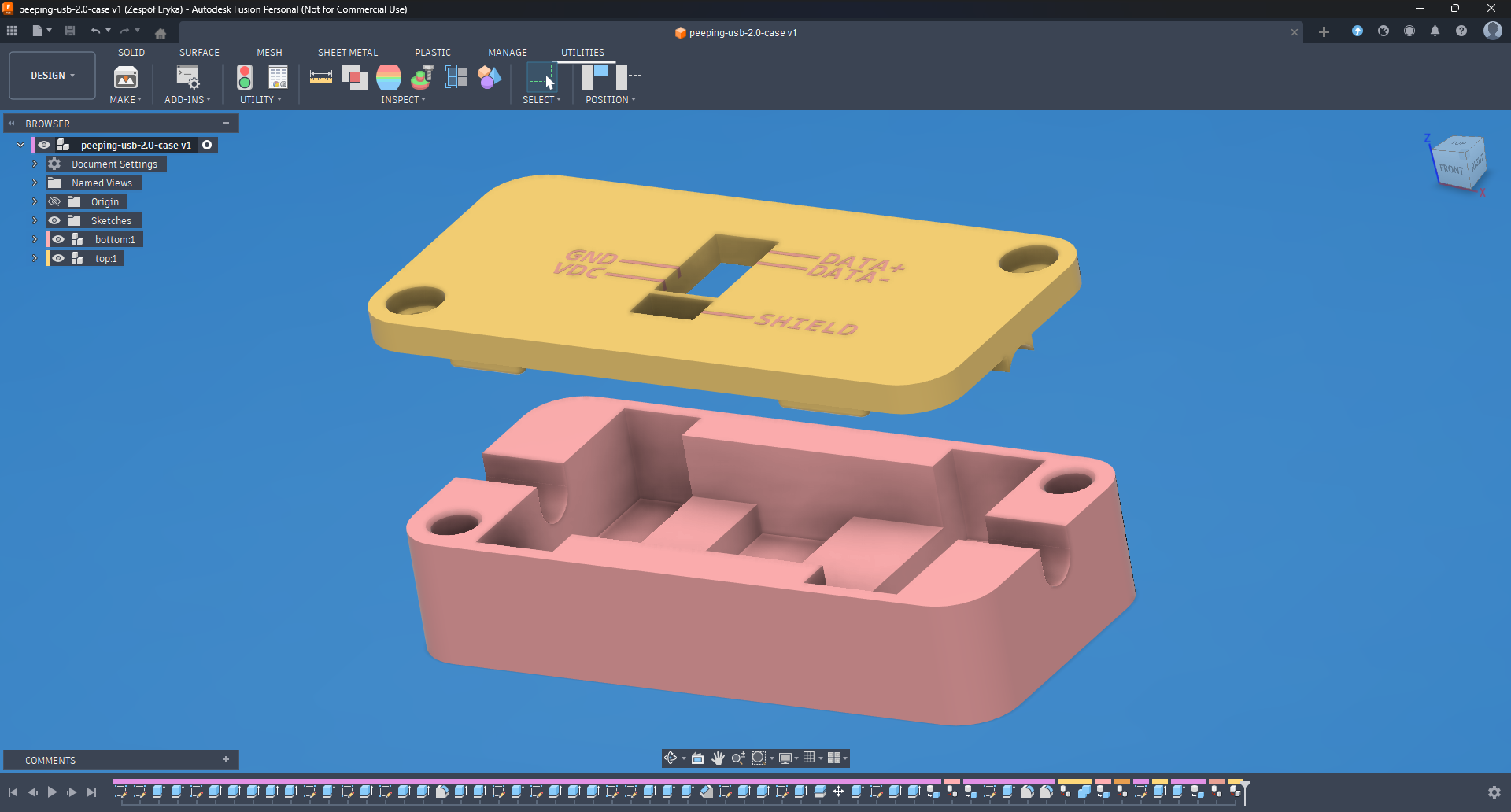
Using Fusion 360 I quickly put together a two piece case design that screws together using a pair of heat inserts and has some diagrams on it so you can easily tell what’s what:
Then I printed it on my Bambu Lab H2S Combo using black and white PETG:
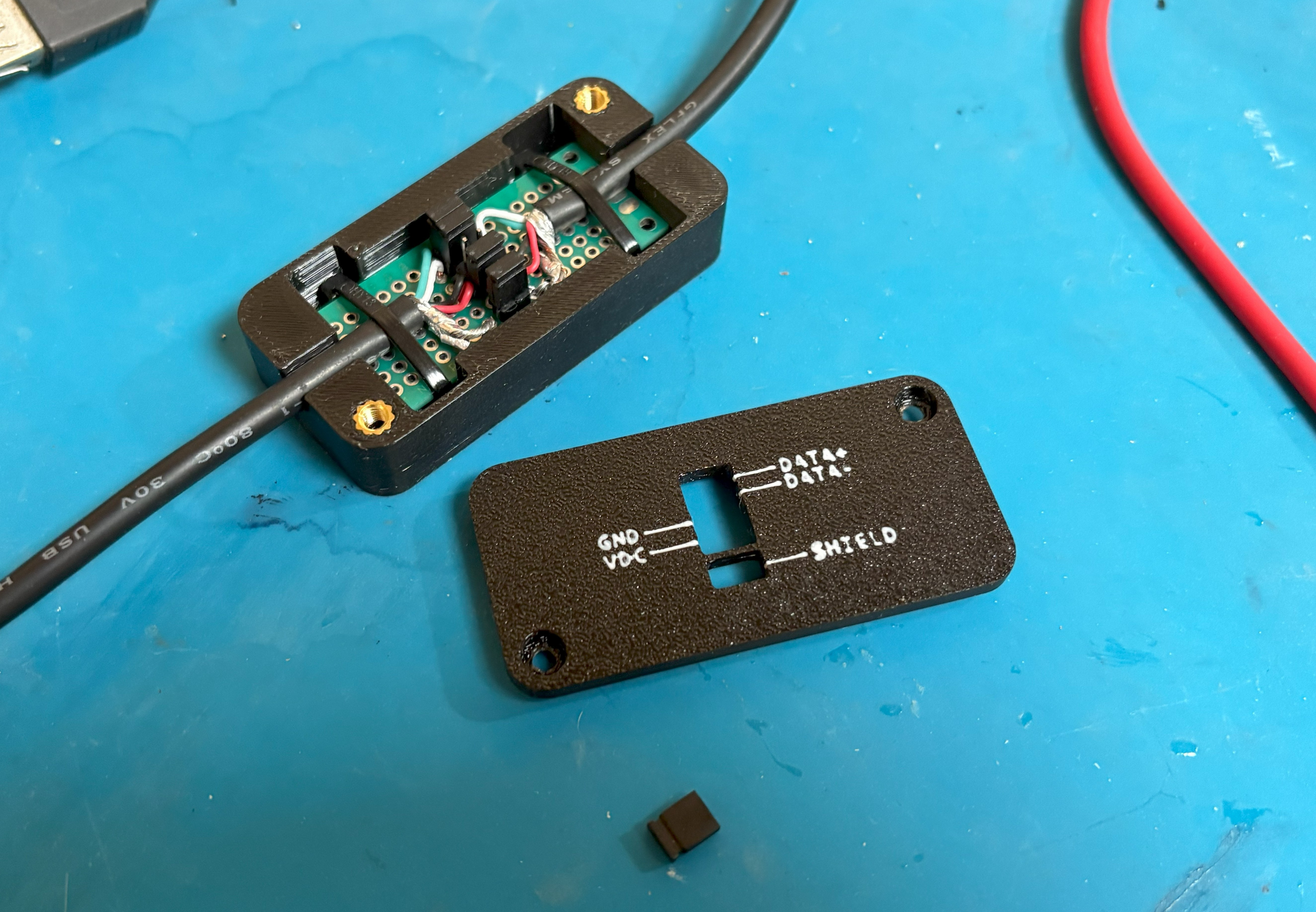
I installed the heat inserts and put in the PCB:
Final
After screwing the case together, the final result turned out like so:
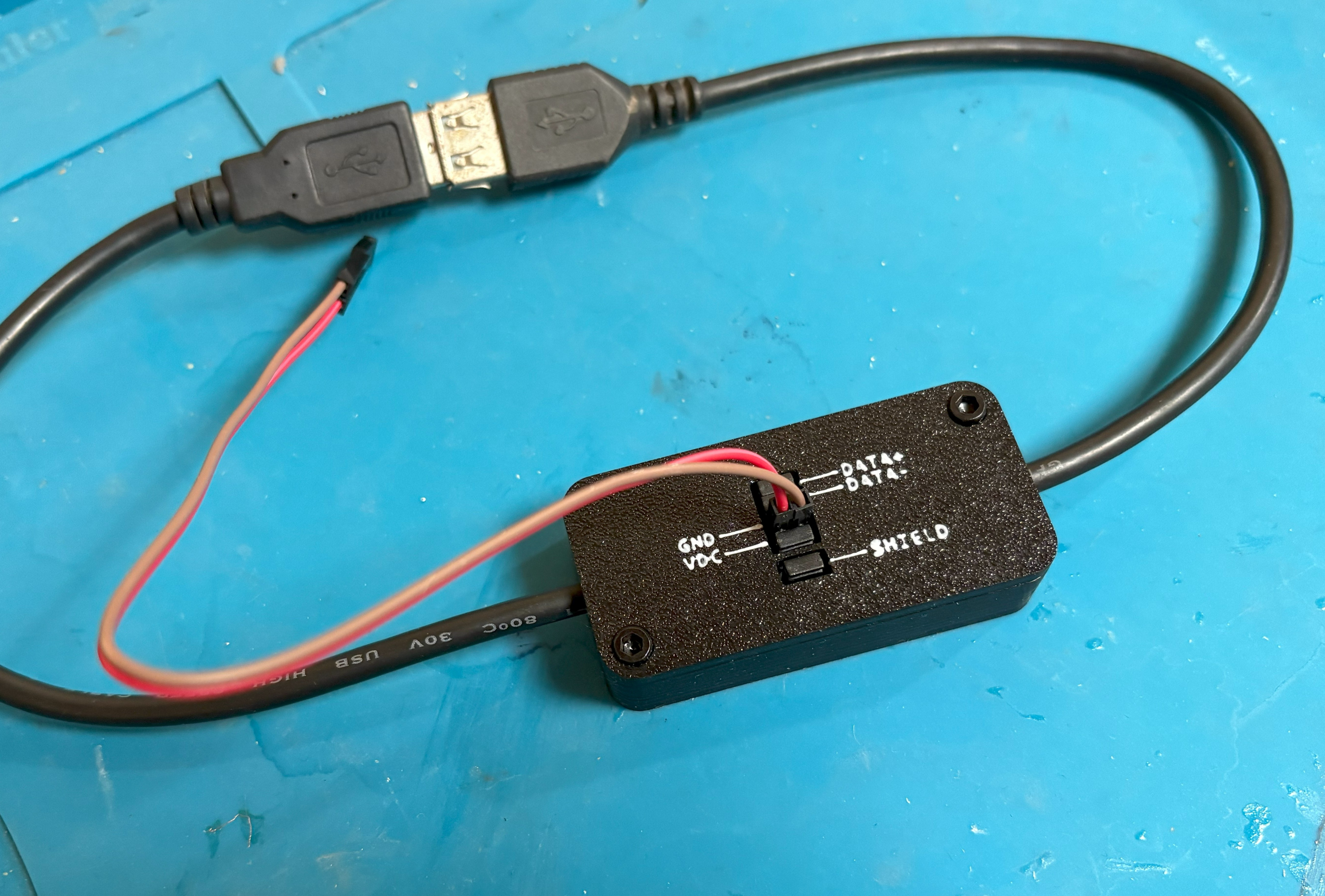
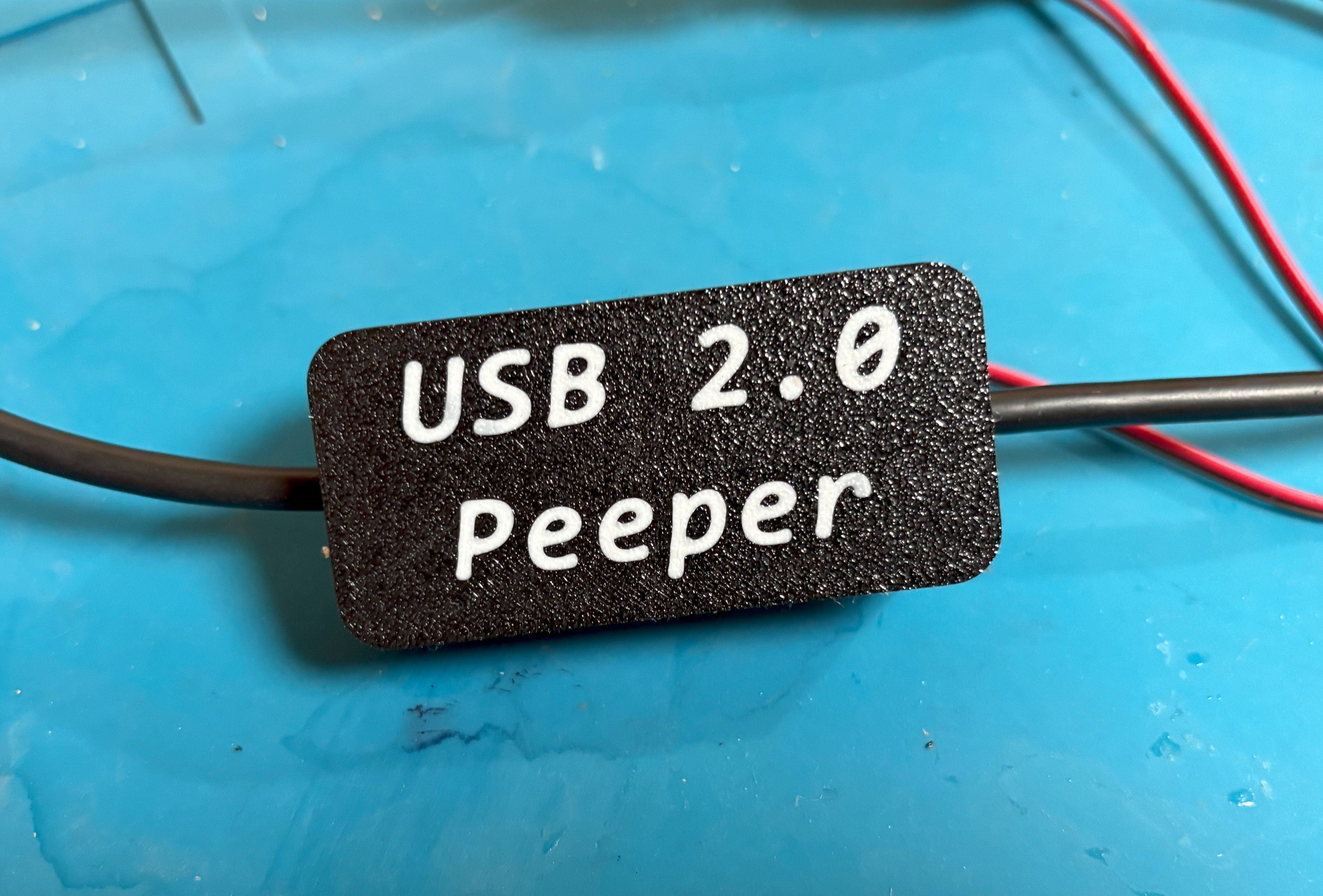
(Could’ve done the small text a little better but it’ll do.)
Watchman Dongle’s Power Draw
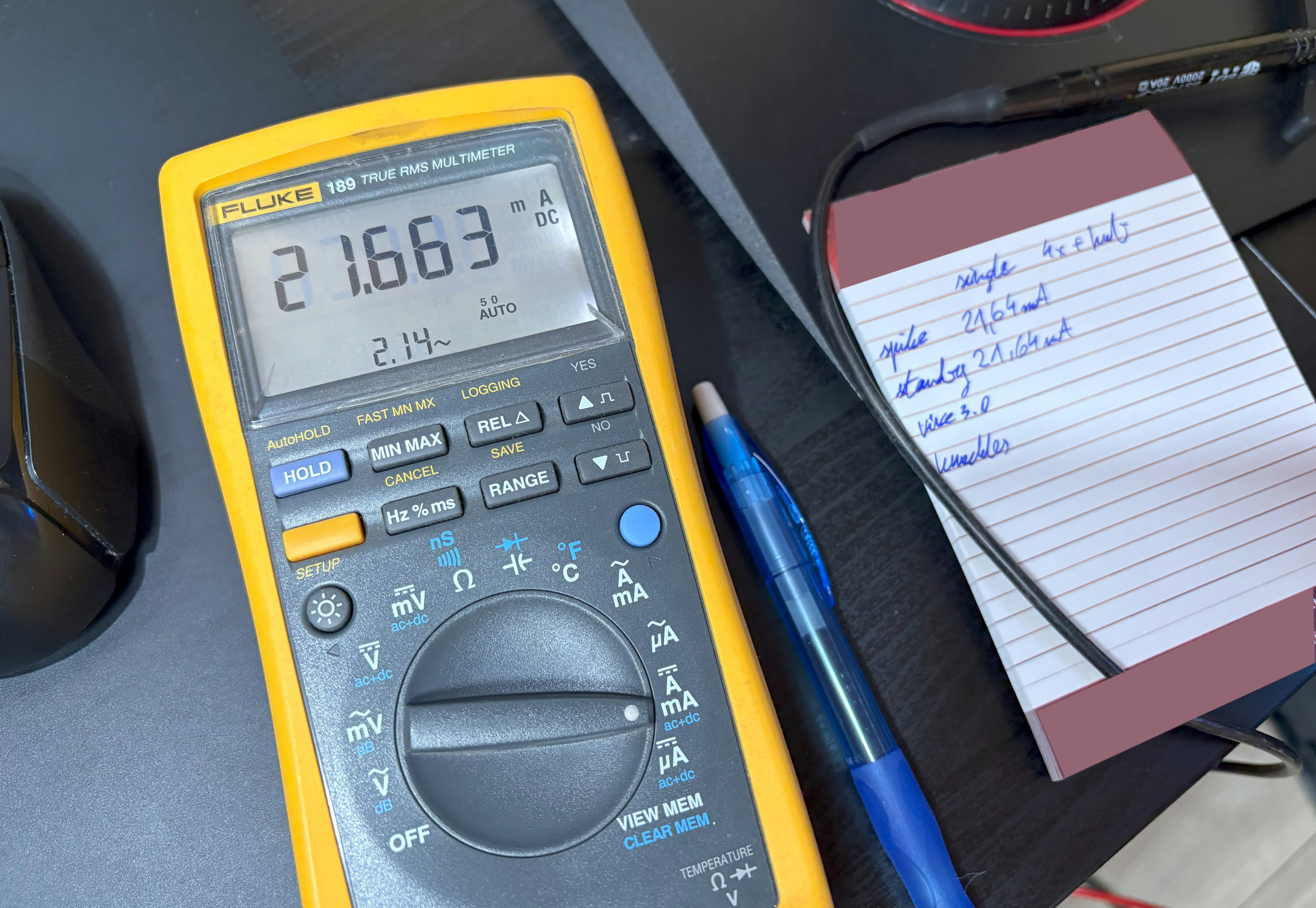
I performed two tests sets of 3 tests, the first with a single dongle and the second with a set of four of them connected to a passive UNITEK Y-3089 USB A 3.2 Gen. 1 USB HUB and here are are the results:

Something interesting to take not of is if Steam isn’t running (foreground or background),
after being plugged in the dongles spike for a moment and then go down to the Steam OFF
‘rest’ value, however if Steam is running (even in the background) they perpetually stay
around that ‘running’ value.
I’m pretty sure this is caused by the fact that you can launch SteamVR by turning on either one of your Vive trackers or a Valve Knuckle controller (so they basically have to pool for them constantly).
Another thing to note is that the power draw stays the same no matter if a tracker or controller is being tracked (which would be expected, however never hurt to make sure).