Demersus Devlog #10 - WaitForGPU issue, 3D Scan Perf and an ImGui Wrapper
Fixing a very weird WaitForGPU bug, testing performance implications of high poly 3D scanned models, engine version bump and picking an ImGui wrapper for debug menus.
- reading time
- 8 minutes
- published
- authors
- Eryk Darnowski
- series
- Demersus Devlogs
- categories
- Game Development
- tags
- #Ztgk #Unity
Extremely Weird WaitForGPU Issues
All of this started with me wanting to perform a quick test (subtle foreshadowing) of how Unity would perform after loading a very high resolution 3D scan. Sadly this didn’t turn out to be as quick as I hoped it would.
What Happened?
Well first thing was the slight engine version mismatch, but I just did the automatic migration
and moved on. I imported the model in to the engine and switched on game mode. I turned on
the Stats drop down and after playing around for a sec I’ve noticed really weird behaviour.
I noticed very weird, harsh hitching behaviour and frame drops of 100 FPS that lasted about half a second. I felt that was very out of the blue as if that was being caused by the model the frames would just drop and that’s it, they wouldn’t go back up like that. I even started hearing the hitching pattern in my GPUs coil whine.
At first I though I did a royal mess up with the player controller as I’ve noticed the hitching more when quickly changing direction while strafing. After analysing that a few times, I didn’t really see anything there.
That reassured me a bit but still the issue persisted. I then started theorizing that it might be some physics bug or something similarity weird. So I finally opened up the profiler tool (this at first exacerbated the issue, it was now repeating at a set interval and even with absolutely no input).
I looked around for a bit and what jumped to my attention right away were these red lines
on the CPU timeline, I looked in to them and the CPU was doing ~54ms CPU Active Time with
the main contributor being GfxDeviceD3D12.WaitForLastPresentation.WaitForGPU.
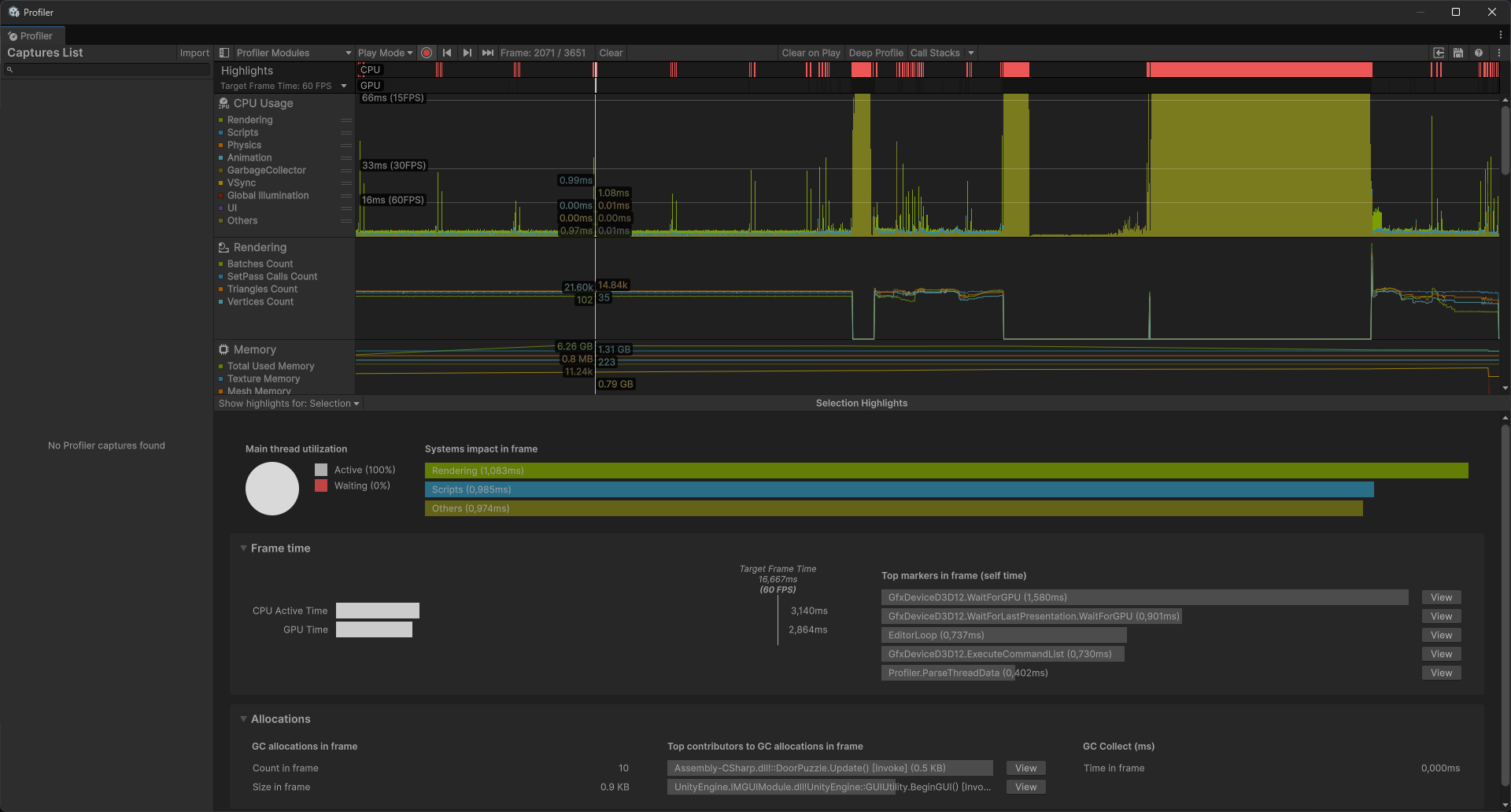

That struck me as very unusual. I did some googling around and found a bunch of forum and reddit posts about weird issues regarding this problem. People talked about VSync, target frames and such (sadly none of these did anything in my case).
Then I though I should test it on my old machine as I don’t remember issues like these there. I started up Moonlight and started the remote desktop connection. After checking on the project using the profile analyser it looked perfectly smooth.
I thought about that for a while, even going as far as suspecting if I messed something up when picking parts for my new PC, but that wouldn’t make sense as it’s been performing perfectly in a lot of high performance applications such as creative work, gaming and even VR.
That reminded me of the fact that my old PC had an outdated version of windows which locked Unity to running on DirectX 11. I tried running the project in DX11 no the new machine and it was much smoother (although still not perfect)!
Some might think that at that point I should’ve just switched to using DX11 and cut my losses but we really want the ray tracing features of DX12 plus the curiosity wouldn’t let me sleep peacefully at night.
I googled around some more and started finding these very unusual ‘fixes’ that recommended changing the GPU’s power saving settings and a bunch of other stuff like that. I also tried searching for information about a DX12 specific issue - didn’t find anything useful either.
Finally I tried using a different engine version and that also yielded no results…
The Solution
After over an hour and a half of messing about and trying to figure the issue out I got a notification from Windows Defender saying it had to block some Unity process because it could be dangerous… I knew that Windows just completely crapped itself and I simply had to restart my machine.
I kid you not after restarting, everything just works perfectly as if nothing ever happened.
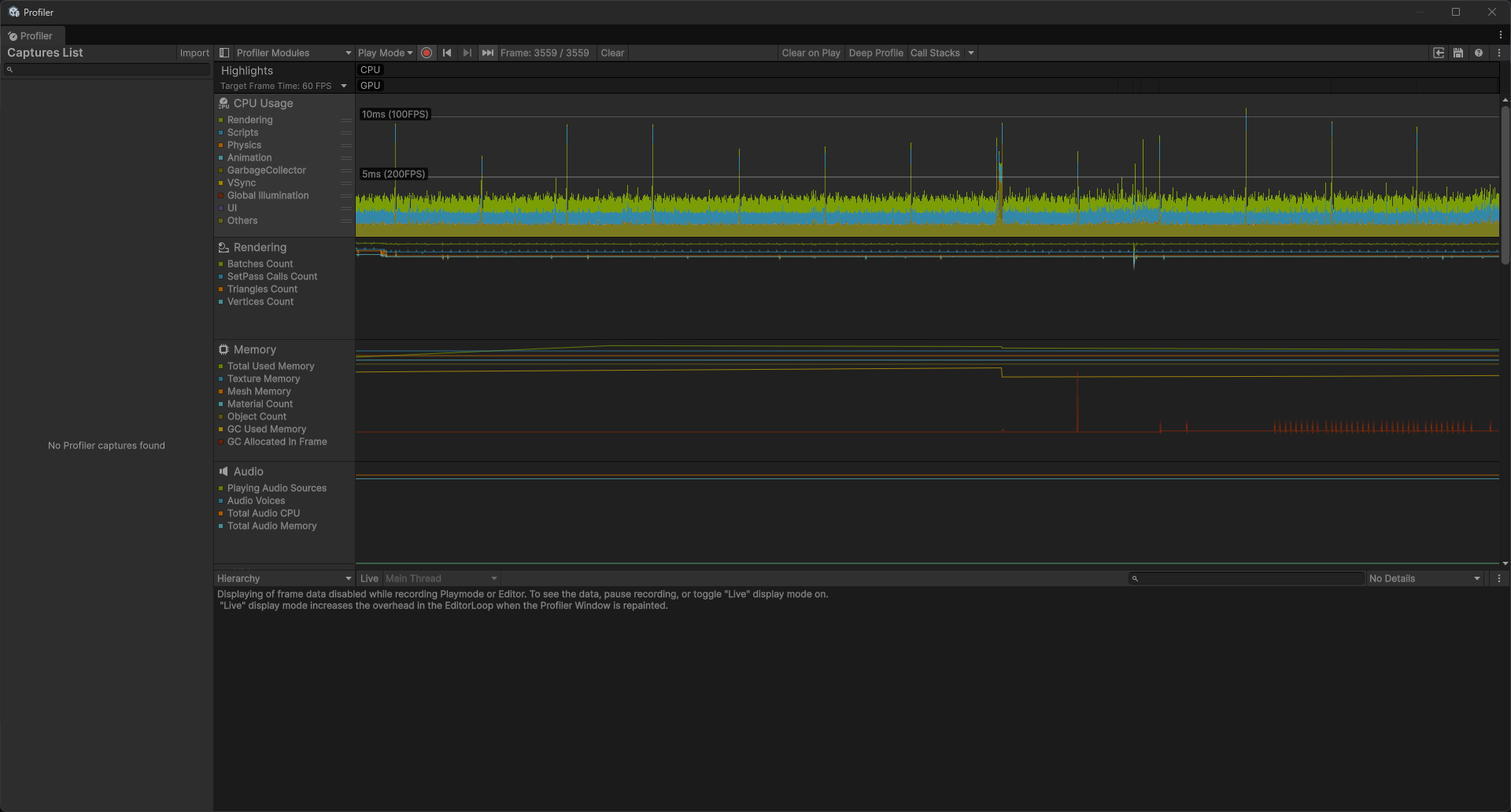

Damn you Bill Gates…
Something worth noting is that I did reproduce the bug accidentally after nuking the working tree and doing the automatic engine upgrade again but I’m still not entirely sure if that’s what directly caused it or if it was something different (I will try to update this post if I find out more information about this in the future). I’m still very fresh on this machine and even though I’ve been using Windows 11 on my laptop for quite a while already, I haven’t been using it on such a mission critical machine (this might just be another battle in my recently started war with Windows Defender - it’s being a bit too much of a helicopter parent).
Slight Engine Version Bump
A small thing I also did in the middle of all of this is an engine version migration from
6000.3.4f1 (we started on) up to 6000.3.8f1. This was suggested by a pop up in Unity Hub
because of
an issue
that showed up with these previous versions.
Because the project is very small at this point and the version bump very minor the migration autonomously did it’s thing and everything just worked straight away (or at least seemed like it did). We’ll see if we actually run in to any issues in the future but I really doubt that’ll be the case.
Testing the 3D Scans Performance Impact
Finally, after all that I was able to do what I initially set out to do (test the performance impact of high quality 3D scanned models in Unity). I’m aware that this testing methodology (if you can even call it that) leave a lot to be desired, so here are a few things to take note of:
- there wasn’t any proper measuring tool being used, (checking the FPS value in
Stats) - the test was performed on the Full HD setting with VSync disabled in Unity’s editor
- the project is running on a good setup (Ryzen 9 9950x3D + 64 GB RAM + RTX 3090)
- the project is running in the HDRP pipeline on the highest fidelity setting
- the max value was checked when looking at the model while stationary
- the min value was checked when looking at the model while moving
Now I know this is not very ideal but keep in mind that this was just supposed to be a sanity check to let me sleep a bit easier at night when thinking of the future of this development cycle.
With all that out of the way, I decided to use what I had on hand which was a very high quality 3D scan of a Quest 3 / 3S controller I did a bit ago.
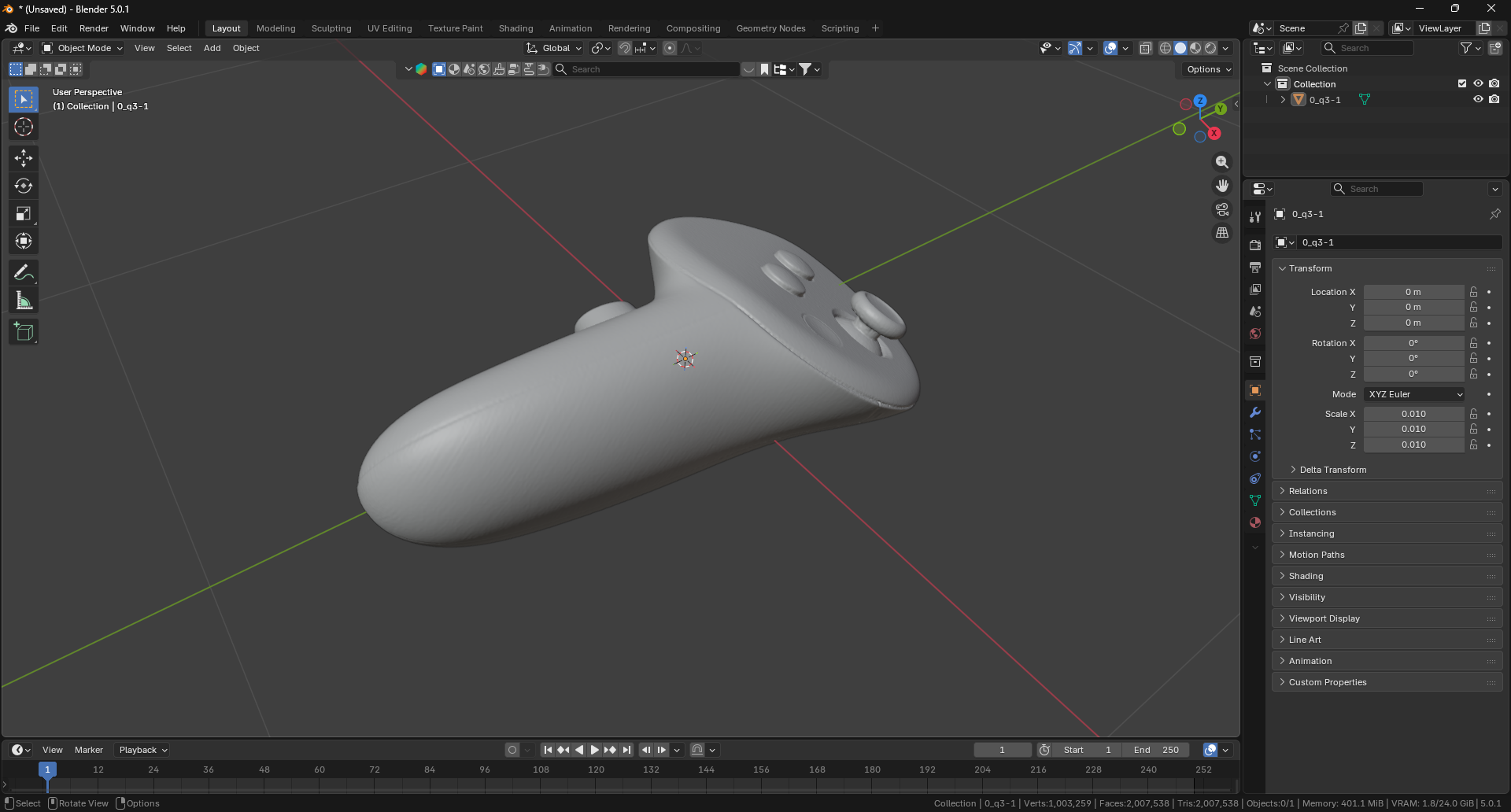
First I got a baseline with nothing there, then I used the raw controller and then a mix of
decimations and no / auto shade smoothing (mostly in
Blender
- bl
and
MeshLab
). Something worth noting is that MeshLab
really didn’t impress me although that might just be the user skill issue if you may
(Blender on the other hand, faired much better - at least in my opinion). Here are
the results:

As you can see it’s thankfully not nearly as bad as I imagined it would be (you gotta keep in mind this is my first time developing a 3D game so I have no ‘intuition’ for this sort of thing).
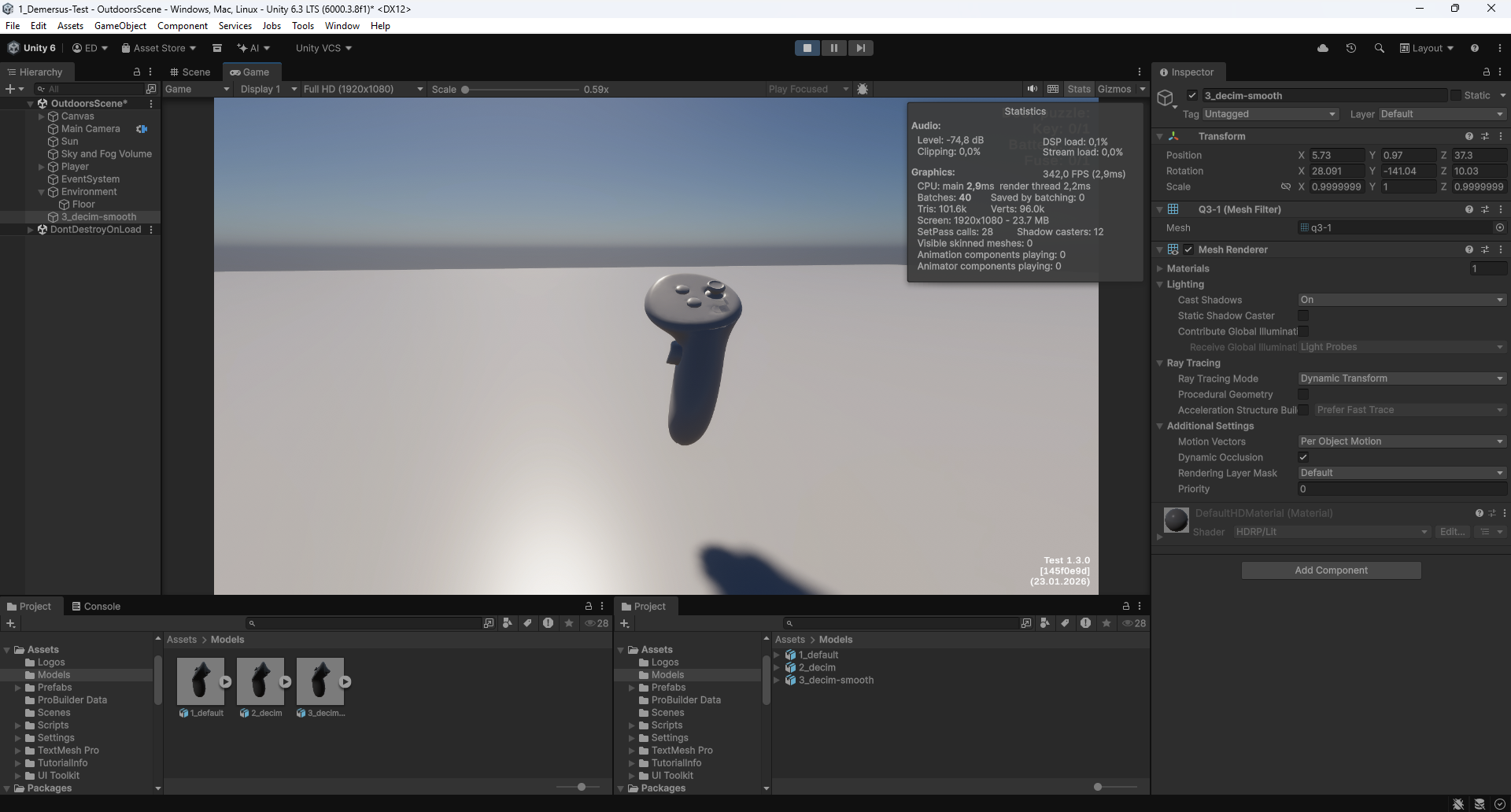
The performance with the raw model was obviously not great but that’s over 2M tris (that’s absolutely to be expected). After the decimation however the results are pretty good! With a not so big visual degradation either! Of course this is a very high res model and the decimation value would be tuned for each model LODs and other optimisation techniques would also be implemented but this proves that performance or post processing won’t be as much of an issue as I though it would be at first (after all this is pretty much single step optimization).
Picking an ImGui Wrapper
Something I wanted to experiment with and most incorporate in to the projects is better proprietary debug tools. Something that peaked my interest was Dear ImGui . I wanted to try out implementing some available wrappers in the project to see what could be useful. I looked in to these wrappers:
- dear-imgui-unity = the OG
- UImGui = proper UI solution with dockable windows, plots, tree and such
- UrGUI = another advanced solution with draggable windows and such
- OnGUI = most reliable and simplest of the bunch, Unity’s own solution
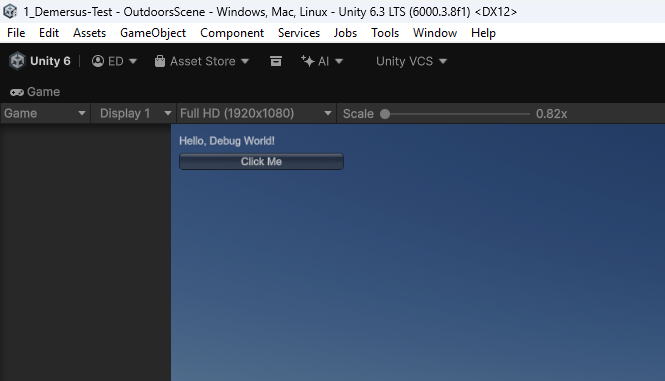
Sadly, most of these repos have been left in the dust with over 5 years since last commit and some even being archived. This didn’t bode well for compatibility, therefore I decided to go with Unity’s OnGUI, both for it’s accessibility, simplicity and most importantly stability as it’s simply bundled with the engine.
What’s Next?
Currently my bud is in the middle of blocking out the daughter’s bedroom (on of the sequences) and I’m working on the phone puzzle (for the mom). We’re trying to hit the 20.02 milestone with the very rough initial prototype / blockout. Of course I’m also planning to perform some more tests like this one in the background.